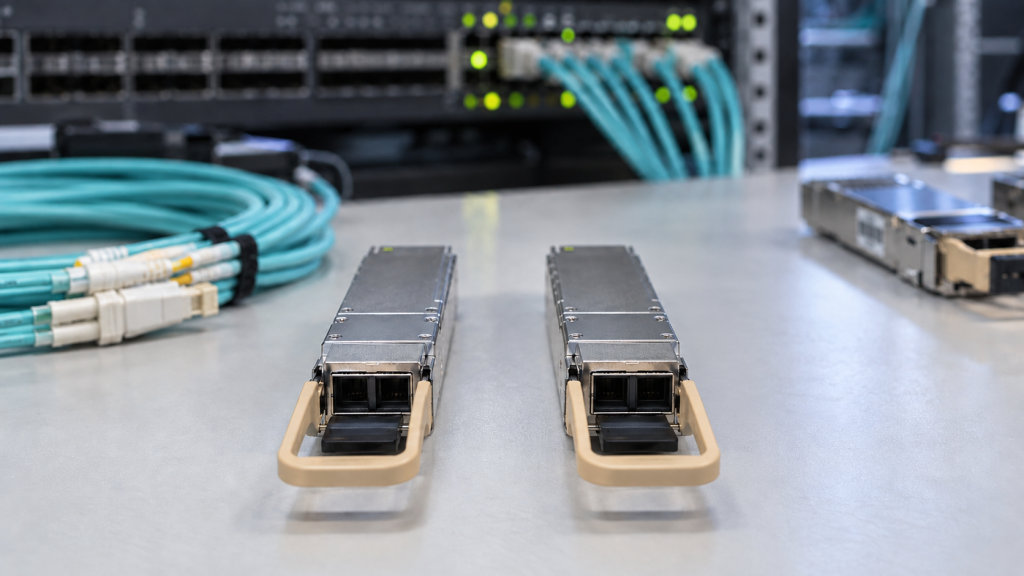
The cabling is already in the ground, the switch ports are ready, and someone has to decide which optics to order. Get the fibre type wrong and the link either will not come up at all, or it comes up and fails intermittently in a way that costs a week to diagnose.
Single-mode or multimode is the most basic question in optical networking and one of the easiest to get wrong, because the connectors look identical and the modules drop into the same cage. Here is how to tell them apart, and how to pick the right transceiver for what you have.
The physical difference in one paragraph
Single-mode fibre has a core of roughly 9 microns. It is so narrow that light travels down essentially one path, which means the pulse arriving at the far end looks much like the pulse that left. Multimode fibre has a core of 50 microns (or 62.5 in older installations), wide enough for light to take many paths at once. Those paths have slightly different lengths, so the pulse spreads as it travels — modal dispersion — and that spreading is what ultimately limits distance.
Single-mode fibre is characterised by ITU-T G.652; the multimode grades are classified as OM1 through OM5 by the TIA and ISO, and the TIA Fiber Optics Tech Consortium summarises what each grade is for.
How to identify what you already have
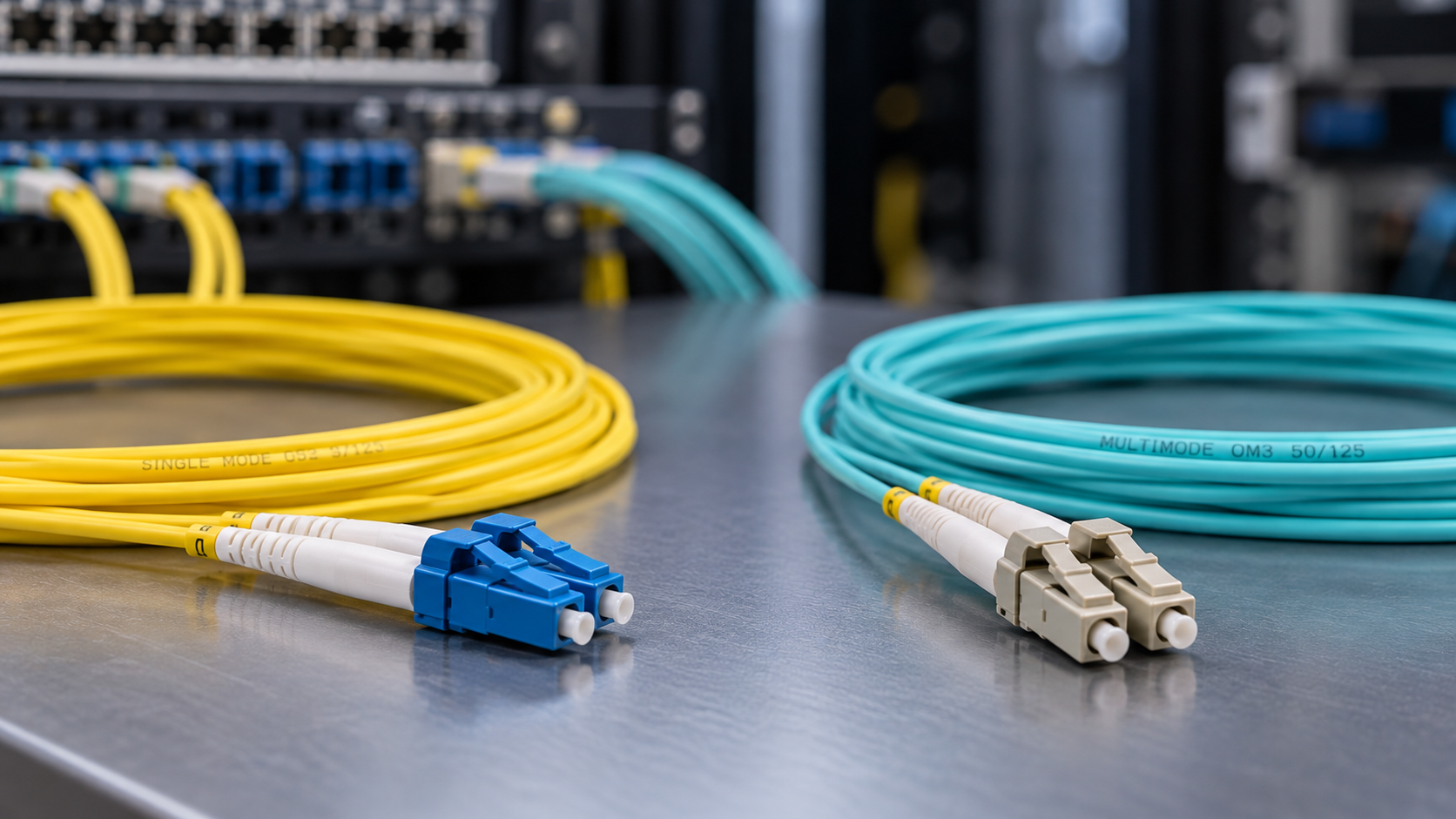
- Jacket colour is the quickest clue. Yellow is conventionally single-mode. Orange is OM1 or OM2, aqua is OM3 or OM4, and lime green is OM5. Colour is a convention, not a guarantee — verify before you commit an order.
- The print on the cable is definitive. Look for
9/125(single-mode) or50/125y62.5/125(multimode), usually alongside an OM grade or a G.652 reference. - The patch panel record, if it exists and if anyone kept it current.
- An OTDR or loss test when the documentation has run out. Worth doing anyway on any link you are about to uprate.
One rule that saves a lot of grief: never mix the two on a single link. Putting a single-mode patch lead on a multimode trunk creates a mismatch loss that can look like a dozen other faults, and it is the first thing to check when a link comes up with unexpectedly poor receive power.
Which transceiver goes with which fibre
Transceiver naming tells you almost everything, once you know the convention. The suffix on the part number is the optical interface, and it determines both the fibre type and the reach.
| Interface | Fibre | Longitud de onda | Typical reach |
|---|---|---|---|
| SR / SR4 / SR8 | Multimode (OM3/OM4/OM5) | 850 nm | 70–400 m depending on grade and speed |
| DR / DR4 | Single-mode | 1310 nm | 500 m |
| LR / FR / LR4 / FR4 | Single-mode | 1310 nm | 2–10 km |
| ER / ER4 | Single-mode | 1550 nm | 40 km |
| ZR / ZR4 | Single-mode | 1550 nm | 80 km and beyond |
The short version: SR means multimode, everything else means single-mode. If you are weighing up the longer-reach single-mode options at 100G, our comparison of 100G ZR4 vs LR4 vs ER4 goes through the trade-offs, and choosing 400G optics does the same at 400G.
Multimode: how far each grade really goes
Multimode distance is not a single number. It falls as speed rises, because a faster pulse has less time to tolerate the same amount of spreading. The same OM4 trunk that comfortably carried 10G to 400 m will carry 100G a fraction of that distance.
- OM1 and OM2 are legacy grades, supported only as grandfathered fibre in existing installations. Do not plan new capacity on them.
- OM3 was the first grade designed for 850 nm laser sources and is the practical floor for 10G and above.
- OM4 standardised in 2009, extends 10G to around 400 m and is the most common grade in data centre trunks today.
- OM5 introduced in 2017, is wideband fibre designed to carry several wavelengths between 850 and 950 nm, so short-wavelength WDM can put 100G down a duplex pair.
Multimode above 40G usually means parallel optics — eight or more fibres carrying separate lanes through an MPO connector rather than a duplex LC pair. That brings polarity into play, and polarity is responsible for a startling share of “the link is dead” callouts. Our guide to MPO polarity types A, B and C is worth ten minutes before any parallel deployment.
Single-mode: why it is now the default for new build
Single-mode optics used to carry a clear price premium, and that premium drove a generation of multimode data centre design. It has narrowed considerably. At 100G and above, the cost gap between an SR and a DR or FR module is much smaller than it was, while the fibre itself is no more expensive to install.
What single-mode buys you is headroom. The same fibre that carries 10G today will carry 400G and 800G tomorrow — you change the optics, not the cabling. Multimode, by contrast, may need a re-pull to move up a speed tier, and re-pulling trunk is expensive and disruptive in a way that swapping modules is not. That is the calculation behind most new-build decisions now, and it is the same logic we set out in 800G and 1.6T migration: what to check before you buy optics.
When the answer is neither
For links inside a rack or between adjacent racks, fibre may be the wrong tool entirely. A passive direct attach copper cable costs a fraction of two optical modules plus a patch lead, consumes almost no power, and has no transceiver to fail. An active optical cable extends the same idea to tens of metres.
Our comparison of DAC vs AOC covers where each one wins, and you can browse the DAC range y AOC range directly.
A decision path that works
- Is the link inside a rack or a few metres away? Use a DAC or AOC.
- Is there existing fibre? Read the print on the cable and match the optics to it. Existing multimode means SR-family modules; existing single-mode means DR, FR, LR, ER or ZR by distance.
- Is this new cabling? Specify single-mode unless there is a firm reason not to. It will outlive the equipment at both ends.
- Work out the loss budget. Connectors, splices and patch panels all subtract from the margin — our guide to optical link budget shows the sums.
- Check the platform accepts the module. Our compatibility checker maps any OEM part number to its tested equivalent.
Getting the modules right
Carritech Optics carries both fibre types across every speed, from 155M to 1.6T: SFP+ 10G, 25G SFP28, 100G QSFP28, 400G QSFP-DD y 800G OSFP, in SR, DR, FR, LR, ER and ZR variants.
Every module is coded for its target platform, tested before despatch — see transceiver testing — and covered by a garantía de por vida, with UK and EU stock and support behind it.
Not sure what is in the ground between your buildings? Send us the distances, the switch models and whatever cable records you have, and we will tell you exactly what to order — request a quote.