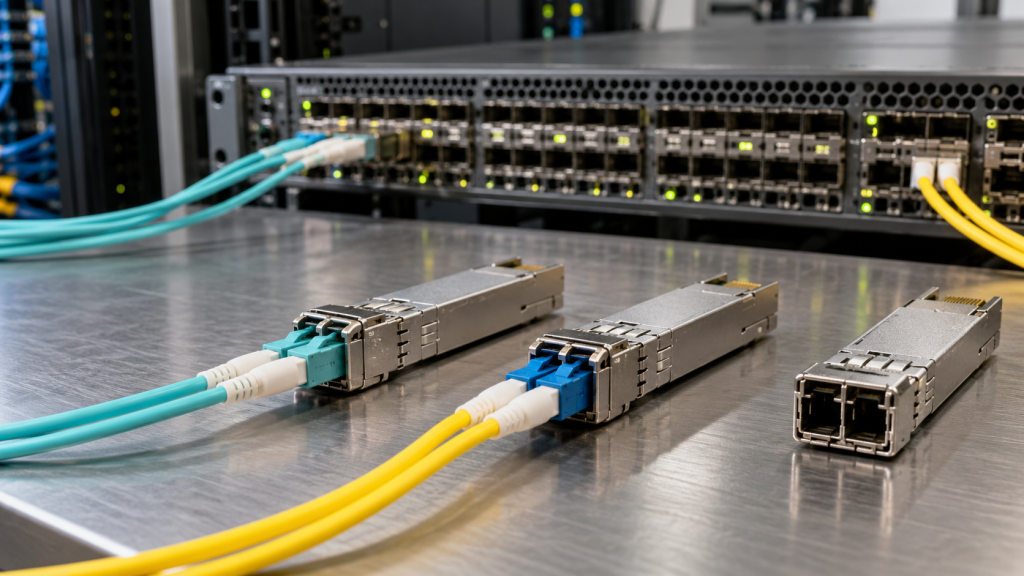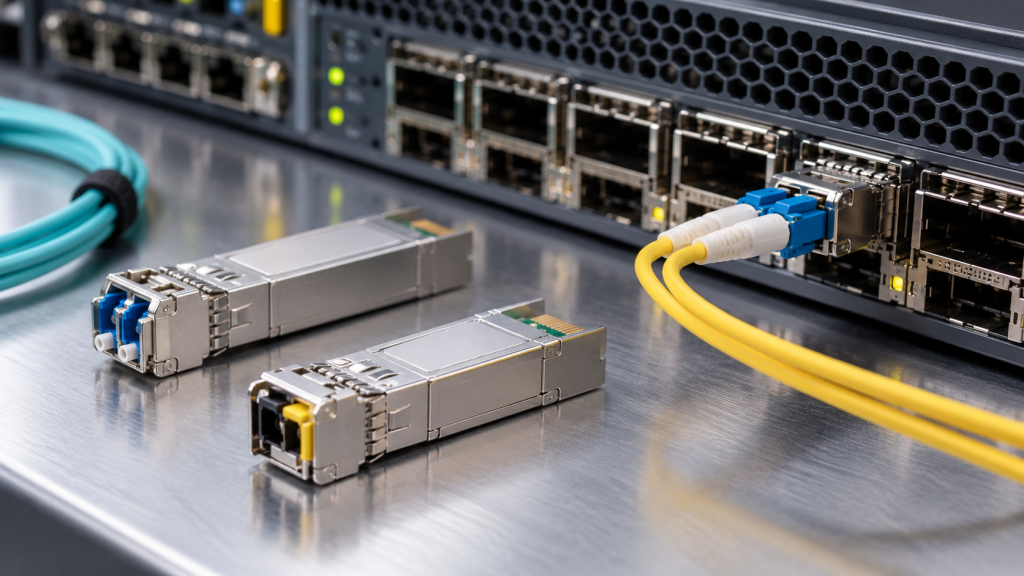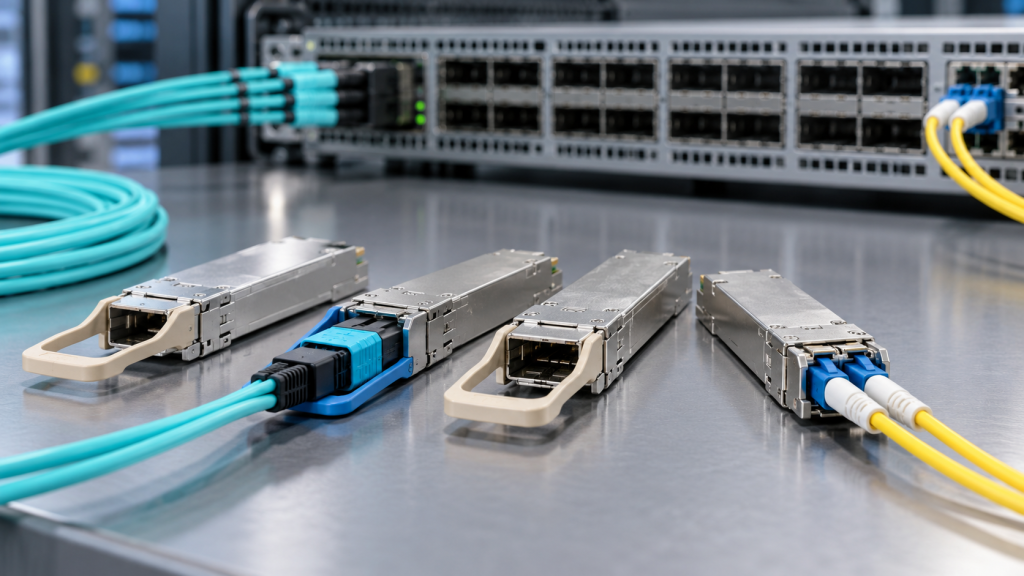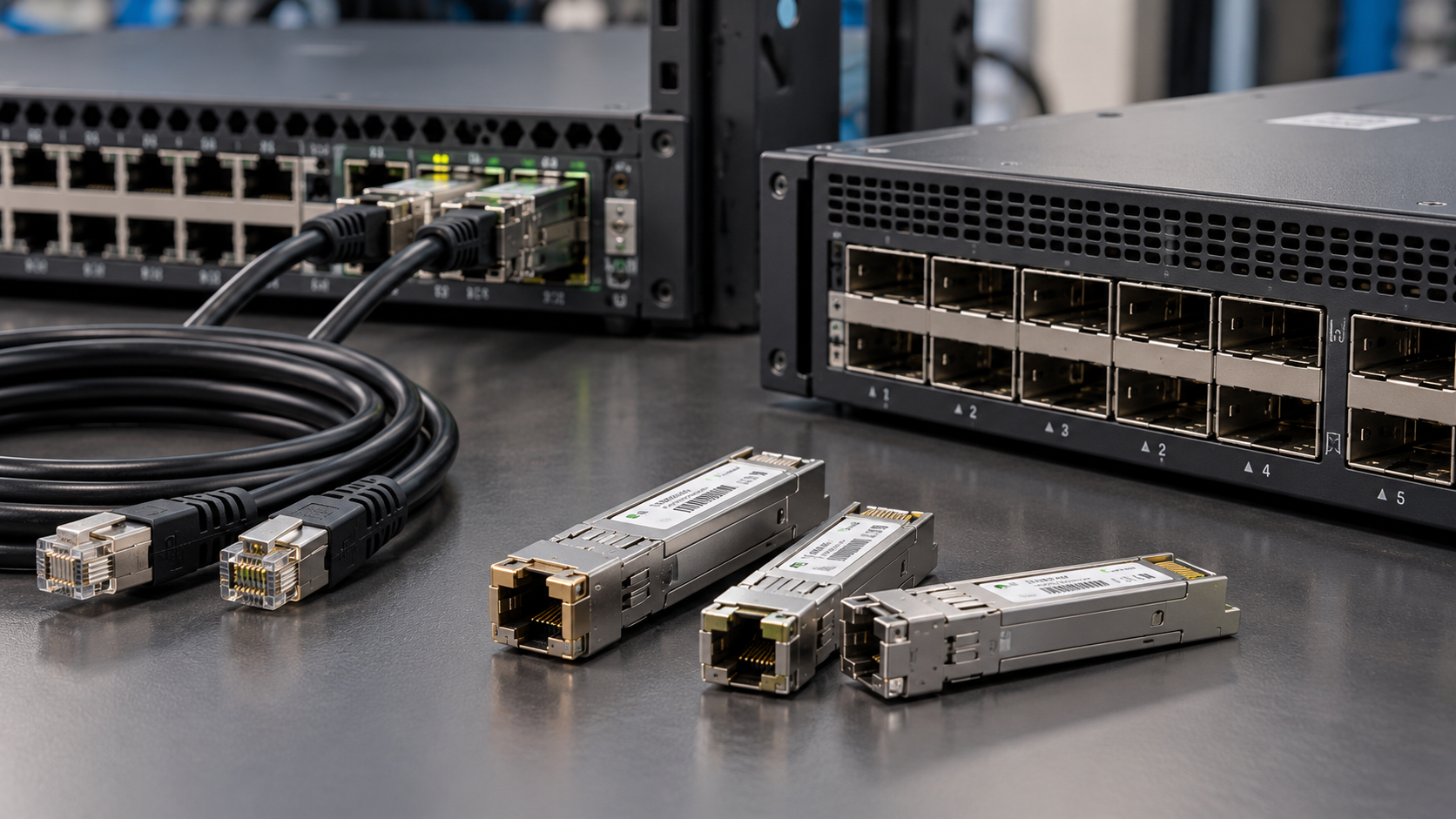
A copper SFP is the odd one out in the transceiver catalogue. There is no laser in it, no fibre goes near it, and nothing about it is optical. It is a complete Ethernet copper PHY shrunk into a pluggable package, with an RJ45 socket where the LC duplex should be, and it exists for one reason: somewhere in your estate there is a fibre port and a device that only speaks twisted pair.
Used well, a copper SFP saves you a media converter, a power supply and a rack unit. Used carelessly, it is the module most likely to be rejected by the switch, to run hot, to link at the wrong speed, or to refuse to link at all. This guide covers what is actually inside one, the two families you can buy, the power and heat limits that decide what is possible, and the auto-negotiation behaviour that causes most of the support calls.
What is actually inside
An optical SFP is a fairly simple device: a laser driver, a laser, a photodiode, a transimpedance amplifier, a bit of monitoring. The host’s PHY does the protocol work and the module just converts electrical to optical and back.
A copper SFP is the opposite. It contains a full BASE-T PHY: the line driver, the hybrid, the echo and crosstalk cancellation, the equaliser, the auto-negotiation state machine, and in the 10G case a substantial block-coded decoder. All of that is work the host would normally do, moved into a package the size of your thumb.
Three consequences follow from that, and all three surprise people:
- The electrical interface to the host is different. A 1000BASE-T copper SFP typically presents SGMII to the host rather than the 1000BASE-X interface an optical SFP presents. Most switch platforms handle this; some do not, and on those the module either is not recognised or links at an unexpected speed. It is a host-support question, not a module-quality one.
- Digital diagnostics tell you much less. You may get module temperature and supply voltage. There is no transmit or receive optical power, because there is no light. Everything in our guide to spotting a failing fibre link before it drops relies on optical values that a copper SFP will never report, so copper links have to be monitored at the interface counters instead.
- It draws real power. A BASE-T PHY running echo cancellation and equalisation is a continuous digital workload. This is the single biggest practical constraint on copper SFPs, and the next sections are mostly about it.
The two families
| 1000BASE-T copper SFP | 10GBASE-T copper SFP+ | |
|---|---|---|
| Standard | IEEE 802.3ab | IEEE 802.3an |
| Cage | SFP (works in most SFP+ cages too) | SFP+ only |
| Cabling | Cat5e or better | Cat6a or Cat7, shielded preferred |
| Reach from the module | 100 m | 30 m typical; 80 m on premium variants |
| Typical power | ~1 W | ~2.5 W |
| Added latency | Low | Several microseconds |
| Lower-speed fallback | 1G only, unless an auto-sensing part | Commonly 10G and 1G only |
| Host acceptance | Broad | Restricted — check first |
There is a middle tier too. 2.5GBASE-T and 5GBASE-T, standardised in IEEE 802.3bz in 2016, run those rates over existing Cat5e and Cat6 to 100 m. They exist mostly to feed Wi-Fi access points that have outgrown a gigabit uplink without justifying a cabling replacement, and multi-rate copper SFP modules covering 1G, 2.5G, 5G and 10G are now common — Carritech’s UACC-CM-RJ45-MG is one. The caveat is that the host has to support the intermediate rates as well as the module, and plenty of switch ports do 1G and 10G and nothing in between.
The power problem, and why 30 metres
10GBASE-T over structured cabling reaches 100 m. A 10GBASE-T copper SFP+ usually reaches 30. The difference is not the cable — it is the module.
Driving 10 gigabits down four twisted pairs for 100 metres, through alien crosstalk from neighbouring cables in the same bundle, takes a lot of digital signal processing. A full-reach 10GBASE-T PHY on a line card has a heatsink and airflow. An SFP+ module has a 1.5 W design envelope from the original form factor definition in the SFF specifications, a sealed metal shell, and whatever airflow its neighbours in the cage row leave it. So the module is built to a power budget first, and reach is what gets traded away. 30 m is what fits in roughly 2.5 W; the 80 m variants over Cat6a and Cat7 push both the power and the thermal design, which is why they cost more and are fussier about hosts.
Two operational rules come out of this:
- Do not fill a row of cages with 10GBASE-T modules. Several vendors document a maximum number per switch, or require alternate cages to be left empty, precisely because the thermal load concentrates at the front panel. The general principle is the one in our guide to optical transceiver power consumption: a hot module draws more, then throttles, then fails.
- Expect the host to police it. A switch can and will refuse a module whose declared power class exceeds what the port can supply or cool, regardless of whether it likes the coding. A 10GBASE-T SFP+ that is not recognised is often being turned away on power grounds.
Auto-negotiation: the number one cause of a dead copper SFP link
If a copper SFP will not link, start here and not with the module.
BASE-T is built around auto-negotiation. The two PHYs exchange capabilities, agree a speed and a duplex, and decide master and slave timing roles. For 1000BASE-T that process is not optional — the standard requires it. Which means:
- A port hard-configured to a fixed speed will often not come up at all. Operators who habitually force speed and duplex on fibre ports carry the habit over to copper SFPs and are then surprised. Leave auto-negotiation enabled on both ends.
- The negotiation happens in the module, not the switch ASIC. So what the switch reports and what the link actually did can differ, and a port showing "up" at an unexpected speed is usually the module’s PHY having negotiated something the host then mis-describes.
- 10/100 fallback is not a given. A plain 1000BASE-T copper SFP is a gigabit-only device. If the far end is a 100 Mbit/s device — an older camera, a controller, a building-management gateway — you need an auto-sensing part that explicitly supports 10, 100 and 1000. Carritech’s CT-SFP-T-AS is the 10/100/1000M auto-sensing design, against the gigabit-only CT-SFP-T. Ordering the wrong one of those two is the most common mis-order in the range.
- 10GBASE-T modules usually do 10G and 1G, and nothing else. Check before you assume a 100 Mbit/s device will work on one.
One more: Energy Efficient Ethernet, standardised in IEEE 802.3az, is widely implemented on copper line cards and generally not implemented in copper SFP modules. If your energy-efficiency baseline assumes EEE on every copper port, a port fed by an SFP is an exception.
Latency: the reason copper is wrong for some links
10GBASE-T, defined in IEEE 802.3an, encodes data in blocks and runs heavy cancellation and equalisation on the received signal. The receiver cannot hand up a block until it has processed the whole block, so the PHY adds latency measured in microseconds — where a 10G fibre SFP+ adds a fraction of one.
For an access switch uplink, a camera, a printer or a building system, microseconds are irrelevant. For storage fabrics, tightly-coupled HPC and anything latency-sensitive by design, they are not, and the right answer there is fibre or a direct attach cable rather than copper in an SFP cage. The same reasoning drives the low-latency work discussed in our guide to forward error correction, and it is why storage links use the Fibre Channel optics they do.
Where a copper SFP is the right answer
Five cases where it is clearly the best tool available:
- A fibre switch and a copper device. The classic case. An all-SFP switch and a server, appliance, camera or controller with an RJ45 and no option of anything else.
- Out-of-band and management ports. Console servers, PDUs, environmental monitoring, UPS cards — almost all copper, almost always needing to land on switches that are otherwise fibre.
- Last-minute additions to a finished cabinet. One device, no spare copper port, no appetite for a new media converter and another plug socket.
- Industrial and outdoor cabinets. Where the device is copper and the environment is hostile, an extended-temperature copper SFP in a hardened switch is tidier than a converter with its own power supply. Carritech lists industrial-rated parts including GLC-T-RGD y AT-SPTX/I.
- Migration overlap. Keeping a copper-attached device alive on a new fibre-dense switch while the real fix is scheduled.
And three cases where it is the wrong answer. Inside the rack, a direct attach cable is cheaper, lower power and lower latency than two modules and a patch lead — see DAC vs AOC. For a long run, 30 metres of Cat6a is not a substitute for fibre; use an optical module and read single-mode vs multimode fibre. For dense 10G aggregation, a row of 10GBASE-T modules is a thermal problem you are choosing to create.
The alternative: media converters and adapters
Sometimes the copper SFP is not the right shape of answer. Two alternatives worth knowing:
A media converter is a standalone box that bridges copper and fibre independently of any switch. It has its own power supply and its own thermal budget, so it is not constrained the way a module is, and it can sit anywhere along the path rather than only in a cage. Carritech’s range covers 10/100M, 10/100/1000M, a 10/100/1000M SFP version that takes whichever optical module the link needs, and a SFP+ 10G unit. The full media converters range is here.
Form factor adapters solve the adjacent problem: a port of the wrong size rather than the wrong medium. A QSFP+-to-SFP+ adapter puts a 10G module in a 40G cage; a QSFP28-to-SFP28 adapter does the same at 25G and 100G; and the CFP-to-QSFP28 y CFP2-to-QSFP28 adapters let a legacy 100G cage take a current module — the migration route covered in our guide to CFP, CFP2 and CFP4. Browse the adapters range, or compare with the breakout approach where the goal is port count rather than medium.
Copper SFP and SFP+ modules Carritech stocks
Seventy-four tested copper modules, coded for the platform they are going into. A selection by OEM coding.
Cisco and Cisco-coded
At 1G, GLC-T and the auto-sensing GLC-TE, the ruggedised GLC-T-RGD, plus SFP-GE-T, SFP-1G-T y SFP-1G-T-X. At 10G, SFP-10G-T, SFP-10G-T-X y SFP-10G-T-RP. See also compatible optics for Cisco platforms y Catalyst 9300 and 9500 compatible optics.
Juniper
EX-SFP-1GE-T, QFX-SFP-1GE-T, CTP-SFP-1GE-T, the multi-rate SFP-1GE-FE-E-T and the 10G JNP-SFPP-10GE-T. Platform detail is in Juniper QFX5120 compatible optics.
HPE and Aruba
JD089B, J8177C, J8177D, J8177E, JL563C, JL747B, R0R41B y S2N61A.
Dell, Huawei and Nokia
Dell 407-BBOS, 407-BCWZ, 407-BDDF y XCVR-A00CRJ; Huawei 02310RAV; Nokia 3HE00062AA, 1AB359780001 y 1AB359780002 — and if those last three mean nothing to you, Nokia compatible optics explains the 3HE scheme.
Firewall and security platforms
Fortinet FN-TRAN-GC, FN-TRAN-SFP+GC and the 80 m FN-TRAN-SFP+GC-T80; Palo Alto PAN-SFP-CG, PAN-T-S-CG y PAN-SFP-PLUS10GBASE-T. Copper SFPs turn up in firewalls more than anywhere else, because the appliance is all-SFP and the devices either side of it are not.
Extreme, Ruckus, Brocade and Nortel heritage
Extreme 10070H y 10071H; Ruckus and Brocade E1MG-TX, E1MG-TX-A, 10G-SFPP-TX-LP-A y RX-GET-SFP; Nortel and Avaya heritage AA1403043-E6 y AA1419043-E6; Adtran 1184561P4.
Allied Telesis, Netgear, Ubiquiti, MikroTik and TP-Link
Allied Telesis AT-SPTX, the industrial AT-SPTX/I, the extended-reach AT-SPTX-90 and the 10G AT-SP10T; Netgear AGM734, AXM765 y AXM765v2; Ubiquiti UACC-CM-RJ45-1G, UACC-CM-RJ45-10G y UACC-CM-RJ45-MG; MikroTik S-RJ01 y S+RJ10; TP-Link TL-SM331T y TL-SM5310-T.
Component and other codings
Finisar FCLF8520P2BTL, FCLF8521P2BTL y FCLF8522P2BTL; Mellanox MC3208411-T; Meraki MA-SFP-1GB-TX; D-Link DEM-410T; plus the generic SFP-1000T y SFP10G-T.
The Carritech base parts
Four designs sit behind all of the above. CT-SFP-T is the 1000M copper SFP to 100 m. CT-SFP-T-AS is the same reach with 10/100/1000M auto-sensing — the one to order if anything on the far end might not be gigabit. CT-SFP+T-30 is the 10G copper SFP+ to 30 m, and CT-SFP+T-80 is the extended-reach variant to 80 m.
Four designs, seventy-four part numbers — the difference being entirely the vendor identification string, which is the stock argument made in building a smarter transceiver stock strategy and solved with the Carritech Opticode coding box.
Seven checks before you order
- Check the host supports copper modules at all, and at 10G check it specifically — many platforms accept 1000BASE-T copper SFPs and refuse 10GBASE-T SFP+ on power grounds.
- Decide gigabit-only or auto-sensing. If anything downstream might be 10 or 100 Mbit/s, you need the auto-sensing part.
- Leave auto-negotiation on at both ends. Forced speed and duplex is the most common reason a copper SFP link stays down.
- Check the cabling grade and length. Cat5e to 100 m at 1G; Cat6a or better, and 30 m, for 10G unless you buy an extended-reach part.
- Count the 10G copper modules per switch. Respect the vendor’s population limits, and leave airflow between them.
- Check the temperature rating against the cabinet. Industrial variants exist for a reason.
- Match the coding to the platform — see transceiver coding explained. Copper modules are policed on identification exactly like optical ones.
Getting the right copper module first time
Carritech Optics holds the copper SFP and adapters range in UK and EU stock — browse copper SFP and SFP+, the adapters, and the media converters for the jobs a module cannot do. If fibre turns out to be the better answer, the 1.25G SFP y SFP+ 10G ranges, plus patch cords, are alongside.
Every module is coded for the target platform and tested before despatch — see the 22 checks a module passes and our transceiver testing process — and carries a garantía de por vida, with UK and EU support behind it. On the question storage and network teams always raise, do third-party optical transceivers void your warranty? gives the straight answer, and compatible optical transceivers vs OEM covers the rest.
Not sure whether your switch will take a 10GBASE-T module, or whether you need the auto-sensing version? Tell us the platform and what is on the far end and we will tell you. Our compatibility checker returns the tested Carritech equivalent of an OEM part number in seconds, upload a whole list and we will price it, or request a quote.