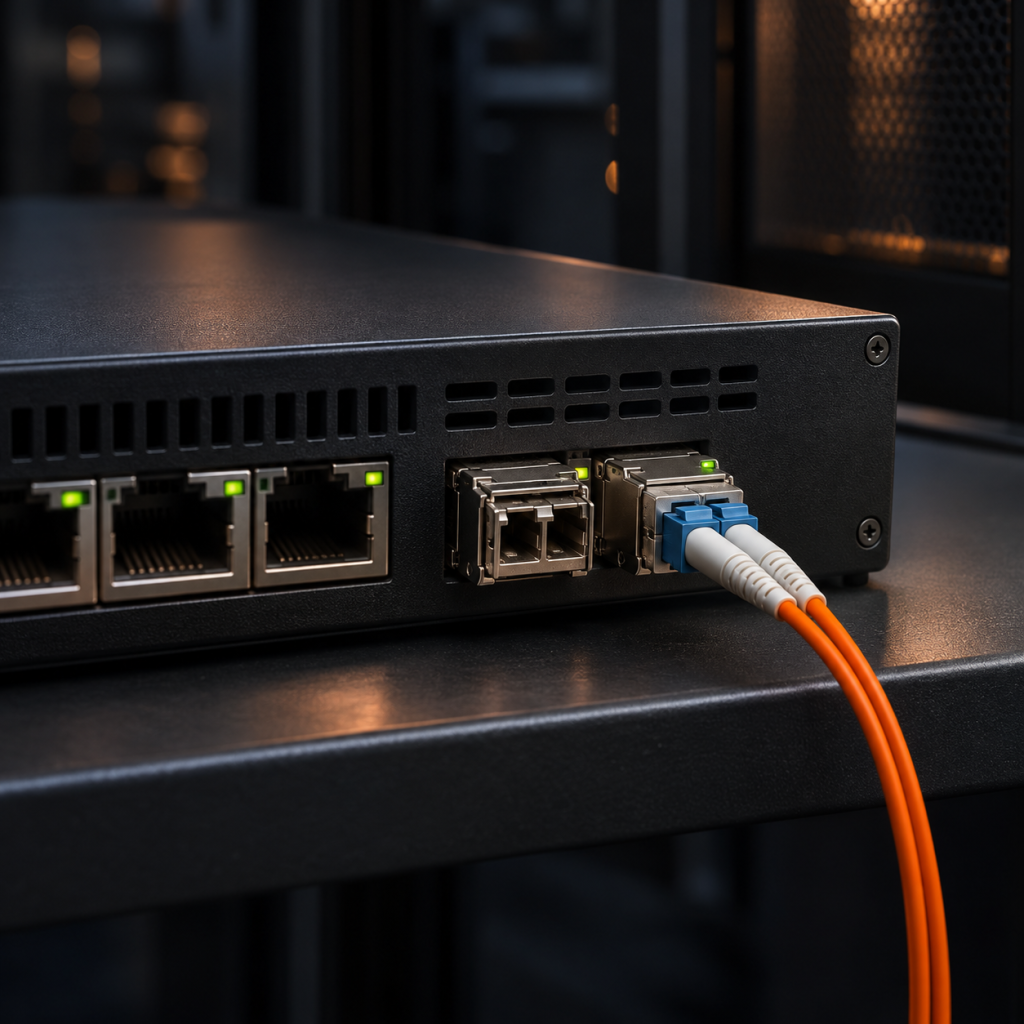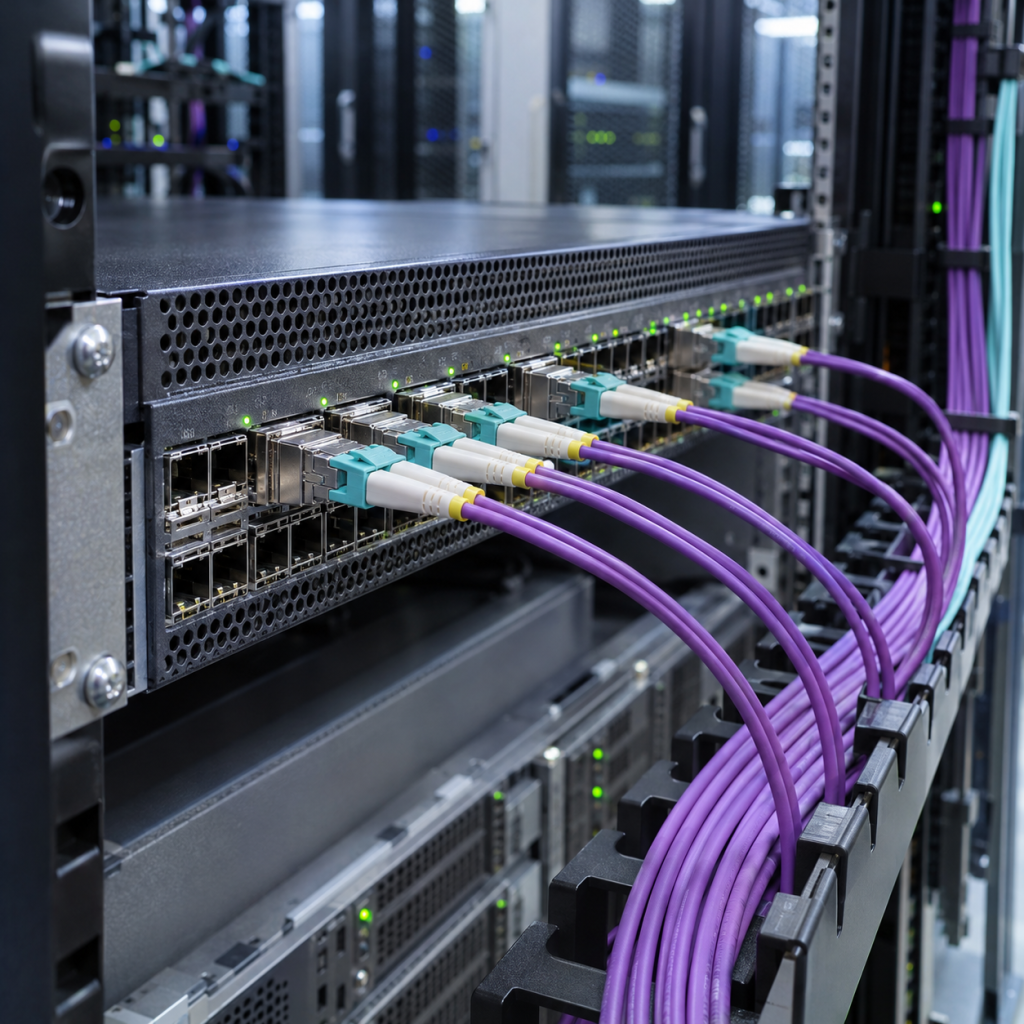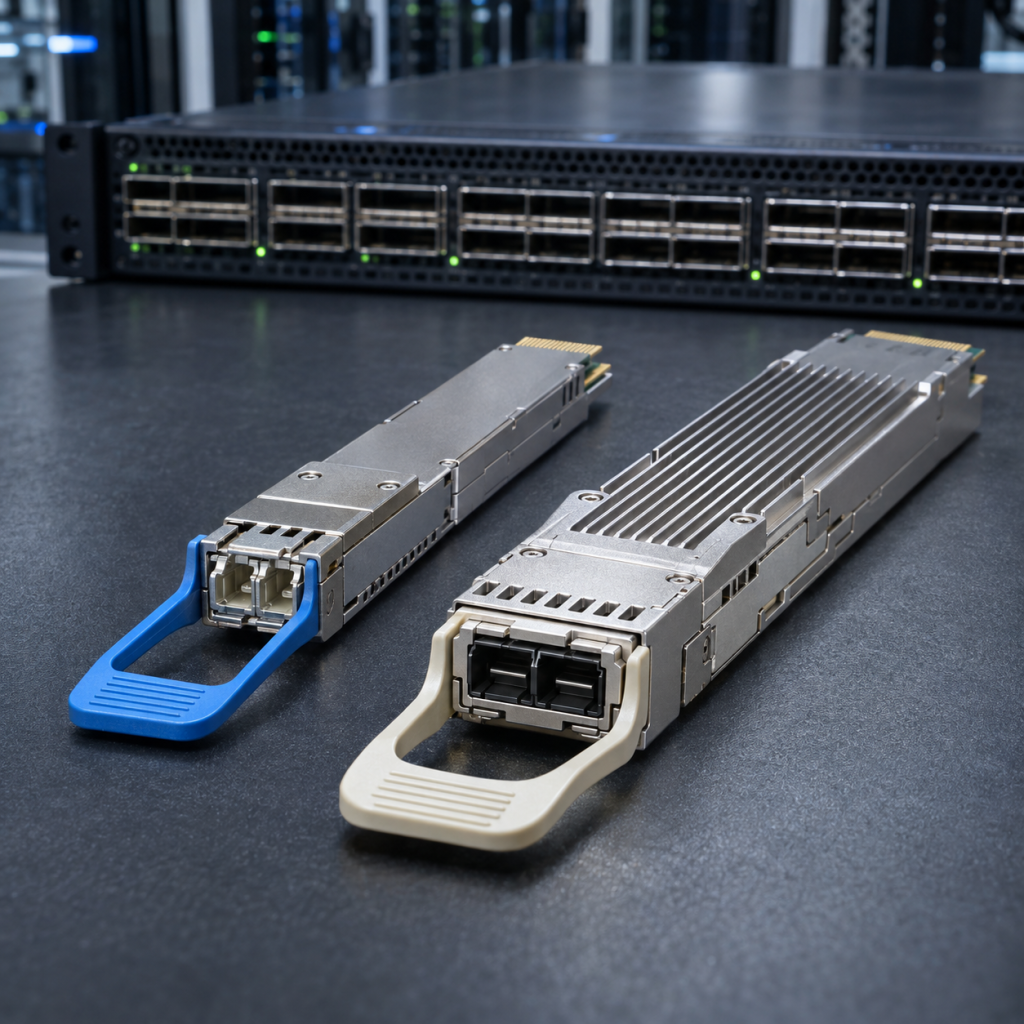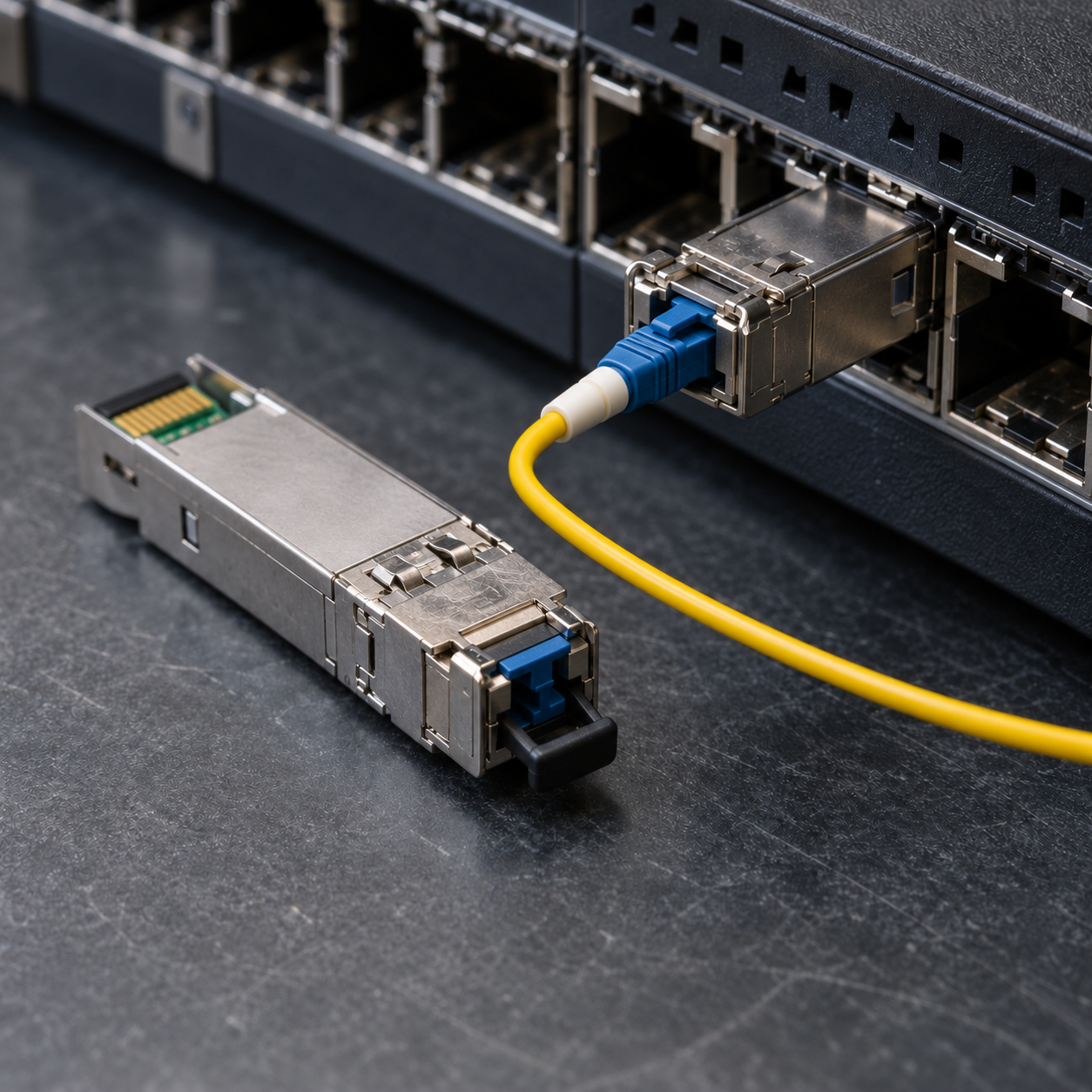
Dell optical part numbers come in four unrelated shapes, and the shape tells you which division of the company created the part. There is the 407- ordering SKU, which looks like a catalogue reference and is. There is the five-character alphanumeric — VGM76, NHPNF, F6VG3 — which looks like a service tag and effectively is one. There are the long hyphenated storage numbers inherited from EMC, like 019-078-045. And there are descriptive strings such as Q56DD-400G-DR4 that came in through Force10 and the switching line.
None of the four tells you the optical interface, and the same optic routinely appears under two of them at once. This guide explains what each family means, which Dell platform takes which form factor, the four things that reliably go wrong, and the 107 Dell, Dell EMC and Force10 coded optics Carritech holds, listed by speed.
One number frames everything below: 46 of those 107 parts are Fibre Channel. Dell is, in optics terms, primarily a storage vendor. If you are buying Dell-coded modules you are more likely than not buying for a SAN, and the rules there are not Ethernet’s.
The four part-number families
| Shape | Example | Where it comes from | What to do with it |
|---|---|---|---|
| 407-Bxxx | 407-BBOP | Dell ordering SKU, networking and server options | The most useful number to quote. Sequential by era, so later letters mean newer parts. |
| Five characters | VGM76 | Dell internal part identifier | What appears on the label and in some support tools. Often the same optic as a 407- number. |
| Long hyphenated | 019-078-045 | EMC storage heritage | Storage-array side. Ordered against a Unity, PowerStore, VNX or Symmetrix rather than a switch. |
| Descriptive | Q56DD-400G-DR4 | Force10 and switching heritage | Reads like a specification, because it is one. Form factor, speed, port type. |
The pattern to take away is that Dell’s optics catalogue is three catalogues: PowerSwitch and the Force10 line, PowerEdge servers and their option kits, and the Dell EMC storage estate. They overlap in hardware and not in naming. A part number that returns nothing on the networking support site may be a storage SKU, and vice versa.
You can see the duplication directly in the Fibre Channel list below. 407-BBBB e 0M7HF sit in the same range, as do 04VX5M e 4VX5M — the same identifier with and without a leading zero — and 0K21PR alongside K21PR. The leading zero is a Dell convention, not a different part. If you are reconciling an inventory export against a purchase order, that one detail will account for a good share of the apparent mismatches.
Which Dell platform takes which form factor
| Cage | Speeds | Where you find it |
|---|---|---|
| SFP | 100M, 1G | Access switches and older server LOM |
| SFP+ | 1G, 10G, 16G FC | PowerSwitch access and aggregation, PowerEdge rNDC, SAN edge |
| SFP28 | 10G, 25G, 32G FC | Current PowerSwitch downlinks, current HBAs and storage front ends |
| QSFP+ | 40G, or 4 × 10G | Older PowerSwitch and Force10 uplinks |
| QSFP28 | 100G, or 4 × 25G | Spine and leaf uplinks, DCI |
| QSFP28-DD / QSFP-DD | 200G and 400G | Current spine. Note Dell’s 200G parts are a distinct generation, not half a 400G one. |
| OSFP | 800G | AI fabric hardware |
| PCP | 100G | Transport line cards |
The 200G row deserves the note. Dell carries a real 200G QSFP-DD range — ten parts below — where several vendors treat 200G as a transitional speed and barely stock it. Two of those parts, Q28DD-200G-2SR4 e Q28DD-200G/80G-2SR4, are two independent 100G SR4 interfaces in one module rather than a single 200G flow, which is a fabric design decision rather than a speed upgrade. Our note on why 200G QSFP-DD is a practical upgrade path covers the case for the speed.
Four things that catch people out
1. The switch side and the storage side do not share a vocabulary
A Fibre Channel optic for a Dell estate might be ordered as 407-BCJP against a server, as F7HPK on a label, or as 100-652-588 against a storage array. The BRSFP- parts — BRSFP-16GSW, BRSFP16G10KLW — are Brocade-derived codings sold through Dell, which adds a fourth vocabulary to the same shelf.
There is no public translation table across those four. When you are sourcing a replacement, quote every identifier you can see — the SKU on the invoice, the string on the module label, and the model of the thing it plugs into. Our compatibility checker will take any of them.
2. Fibre Channel generations go backwards two steps, not three
This is the single most expensive misunderstanding in a Dell optics order, and the Fibre Channel Industry Association states the rule in one line. Each Fibre Channel speed maintains backward compatibility with at least two previous generations, and the FCIA roadmap gives the worked example: 32GFC is backward compatible to 16GFC and 8GFC.
Read that forwards and it is reassuring. Read it backwards and it is a trap: a 32G optic will not negotiate down to 4GFC, so a 32G module in a fabric with 4G edge ports leaves those ports dark. A 16G module will, because 4G is two generations below it. The catalogue reflects this exactly — our 16G designs are specified for 4G, 8G and 16G, and our 32G designs for 16G and 32G only — and it is why mixed-generation SAN refreshes need a port-by-port plan rather than a single part number. Fibre Channel transceivers e 16G and 32G Fibre Channel SFP+ work through it properly.
3. SW and LW, and the multimode reach that goes down as the speed goes up
Fibre Channel names its optics SW (short wave, 850 nm, multimode) and LW (long wave, 1310 nm, single-mode) rather than SR and LR. More usefully, the reach does not improve with the generation. FCIA’s own figures:
| Speed | OM3 | OM4 | Single-mode |
|---|---|---|---|
| 16GFC | 100 m | 125 m | 10 km |
| 32GFC | 70 m | 100 m | 10 km |
Two consequences. OM4 is required for 100 metres at 32G, so an OM3 plant that worked comfortably at 16G can fall short after a storage refresh — and the cable behind the patch panel looks identical either way, which is why single-mode vs multimode fibre is worth reading before you commit. And single-mode has been 10 km at every generation up to 32GFC, so if the span is long, LW removes the fibre-grade question entirely.
Where the reach is genuinely borderline, work the numbers rather than trusting the table: why optical link budget matters covers the method, and fibre optic connector cleaning is the cheapest decibel you will ever recover in a storage fabric.
4. The 32G parts are SFP28, whatever the paperwork says
A 32GFC module runs at 28.05 GBaud, which is an SFP28 electrical interface, not SFP+. The FCIA speedmap puts 16GFC at 14.025 GBaud with throughput quoted as 3,200 MB/s, and 32GFC at 28.05 GBaud and 6,400 MB/s. The modules look identical and share a cage footprint, so the host’s electrical capability decides whether a 32G optic can work, not whether it physically seats. An SFP+ port will take a 32G module mechanically and will not run it at 32G.
Worth knowing too that 32GFC introduced forward error correction to Fibre Channel, using a Reed-Solomon code over data transcoded from 64b/66b to 256b/257b. That is invisible in normal operation and decisive when a link is marginal: at 32G a healthy port is already correcting errors, so an error counter means something different from what it meant at 16G. Forward error correction explained covers why.
One data point from our own catalogue, offered plainly
While compiling the list below we found a Dell SKU in our records written as 407-BCHF407 — a 407- prefix that has clearly been pasted twice. It is a transcription error rather than a different part, and we mention it because that class of error is endemic across every optics catalogue including ours, and it is exactly how an order goes to the wrong line item. If a Dell part number you are quoting looks a character or two long, it probably is. Check it against the label on the module rather than the spreadsheet.
Five checks before you order
- Quote every identifier you have — the 407- SKU, the five-character code, the storage number and the host model. They describe the same optic in different languages.
- Ignore a leading zero when matching. 04VX5M and 4VX5M are one part; so are 0K21PR and K21PR.
- For Fibre Channel, count the generations. Two back works, three does not. A 32G optic will not serve a 4G port.
- Establish the fibre grade before trusting a 32G multimode reach. OM4 is required for 100 metres; OM3 gives 70.
- Confirm the host’s electrical rate, not just the cage. A 32G module seats in an SFP+ port and will not run at 32G there.
The Dell, Dell EMC and Force10 coded optics Carritech stocks
One hundred and seven tested part numbers, every one coded for the platform it is going into and measured against its specification before despatch.
Fibre Channel: the largest part of the range
32G Fibre Channel, 33 parts. 2WMTW, 407-BBXH, 407-BBXI, 407-BBXM, 407-BBXN, 407-BBXO, 407-BCHF407, 407-BCHH, 407-BCIN, 407-BCJP, 407-BCJU, 407-BCJV, 407-BCJW, 407-BCKV, 407-BCMJ, 407-BCNZ, 407-BCOC, 407-BCOS, 407-BCOU, 407-BCQD, 407-BCSL, 407-BCWS, 565-BBIU, 590-TFJL, 5FW65, 61D14, AA359425, F6VG3, F7HPK, MDS-32G-SW, S28-32GFC-SW-85C, SFP-32GFC-LW, VGM76. All four naming families in one list. These are SFP28 modules supporting 32G and 16G. Browse the 32G Fibre Channel range and the 32G transceivers page.
16G Fibre Channel, 13 parts. 019-078-045, 0M7HF, 100-652-588, 407-BBBB, 407-BBBC, 407-BBCC, 407-BBCD, BRSFP-16GSW, BRSFP16G10K8P, BRSFP16G10KLW, NHPNF, NKX77, TDTCP. Supporting 16G, 8G and 4G. Note the EMC-heritage numbers alongside the Dell SKUs, and the Brocade-derived BRSFP- codings. Browse the 16G Fibre Channel range and the 16G transceivers page, or the combined 16G, 25G and 32G overview.
155M, 1.25G and copper
155M duplex SFP, two parts. 407-BBOR, 407-BBOT. 1.25G duplex SFP, two parts. 407-BBOO, 407-BBOY. See 155M and 1.25G SFP modules, and browse 155M duplex SFP e 1.25G duplex SFP.
Copper SFP and SFP+, three parts. 407-BBOS, 407-BCWZ, 407-BDDF. A copper module contains no laser — it is a complete 10GBASE-T or 1000BASE-T physical layer in an optical cage, which is why it draws more power, runs hotter and reaches around 30 metres at 10 Gigabit rather than 100. Copper SFP and 10GBASE-T SFP+ modules covers it; browse copper SFPs and adapters.
10G SFP+
10G duplex SFP+, 13 parts. 407-10595, 407-BBOP, 407-BBOU, 407-BBOV, 407-BBPC, 407-BBRK, 407-BBVJ, 407-BBZM, 407-BBZV, 407-BCBH, 407-BCBN, 407-BCDT, 407-BCDU. Note 407-10595, which breaks the 407-Bxxx pattern and is one of the oldest Dell codings in the catalogue. The port types come from IEEE Std 802.3ae-2002, approved at the June 2002 Standards Board meeting, and there is no FEC at 10G over fibre — which means an error counter on a 10G port means exactly what it appears to mean. See 10G duplex SFP+ transceivers and browse the 10G duplex SFP+ range.
10G DWDM, one record covering a whole channel plan. SFP-10G-W17 to SFP-10G-W61 is a range-style record spanning Dell’s W17 to W61 channel designations — the full C-band plan on the ITU-T G.694.1 100 GHz grid, current edition October 2020, under one entry rather than forty-five. Tell us the channel and we will supply it. If the optic is going into somebody else’s transmission system, the governing document is ITU-T G.698.2, current edition November 2018, which specifies the single-channel interface at each end of a line system whose internals you are not told about. 10G DWDM and CWDM SFP+ covers the decision.
25G SFP28 and 40G QSFP+
25G SFP28, five parts. 407-BBWK, 407-BBXU, 407-BBXZ, 407-BCBF, 407-BCHI. From IEEE Std 802.3by-2016, approved on 30 June 2016. FEC settings are the usual reason a 25G link stays down, and both ends must agree — see 25G SFP28 transceivers and browse the 25G SFP28 range.
40G QSFP+, six parts. 407-BBGN, 407-BBOZ, 407-BBQV, 407-BBXT, 407-BBYS, 407-BBZU. From IEEE Std 802.3ba-2010, approved in June 2010. Most of these ports break out to four 10G links, which is the cheapest 10G capacity available on hardware you already own, provided the platform supports the split — see breakout explained, 40G QSFP+ transceivers and the 40G QSFP+ range. Multimode 40G uses an MPO rather than a duplex LC, so MPO polarity is worth checking before the install rather than during it.
100G QSFP28 and CFP
100G QSFP28, eight parts. 407-BBVO, 407-BBWV, 407-BBYM, 407-BCDH, 407-BCEX, 407-BCRB, 407-BCWC, QSFP-100G-PSM-IR. At 100G and above forward error correction is part of the interface and permanently on, so a healthy port shows a steadily climbing corrected-codeword count rather than zero. The 2 km decision between CWDM4 and PSM4 is set out in 100G QSFP28 transceivers, and the long-reach options in 100G ZR4 vs LR4 vs ER4. Browse the 100G QSFP28 range.
100G CFP, three parts. CFP-100G-ER4, CFP-100G-LR4, DEL-CFP-100G-SR10-O. If you still own CFP line cards, CFP, CFP2 and CFP4 sets out the four honest options, including adapting the cage to QSFP28. Browse 100G CFP, CFP2 and CFP4.
200G and 400G QSFP-DD, and 800G OSFP
200G QSFP-DD, ten parts. 04VX5M, 0K21PR, 407-BCKF, 4VX5M, 4X3FH, K21PR, Q28DD-200G/80G-2SR4, T1M59, TKHK0, VJX50. A real range rather than a token one, including the dual-100G parts described above. Browse the 200G QSFP-DD range and the 200G transceivers page.
400G QSFP-DD, four parts. 1YNC0, 407-BCID, 740-109152, Q56DD-400G-DR4. 400G rests on the 100 Gb/s electrical lane standardised in IEEE Std 802.3ck-2022, approved on 21 September 2022, with port types in IEEE Std 802.3df-2024, approved on 16 February 2024. Remember that a QSFP-DD cage will also take your existing QSFP28 optics, which makes a staged migration possible. See 400G QSFP-DD transceivers, choosing 400G optics e 400ZR vs OpenZR+ for the coherent options, and browse the 400G QSFP-DD range.
800G OSFP, four parts. 800G-O112-2DR4-DSPLPO, 800G-O112-2DR4-LPO, 800G-O112-2VR4, 800G-O112-VR8. All four are two independent 400G interfaces in one cage — 2×DR4 or 2×VR4 — which is how AI fabrics feed two downstream devices from one faceplate position. Note that two of them are LPO parts, linear pluggable optics that leave the signal conditioning to the host and save meaningful power as a result; that only works where the platform is designed for it, so confirm before ordering. See 800G OSFP transceivers, AI and the new demand for high-speed connectivity e optical transceiver power consumption, and browse the 800G OSFP range.
Inside the rack, buy cable instead
Dell estates are server-dense, which makes this the single biggest saving available on the list above. For a short link from a PowerEdge to the switch at the top of its rack, two transceivers and a patch lead cost more than a cable, draw power at both ends, and add two connectors to keep clean. The 10G SFP+ e 25G SFP28 direct attach ranges cover exactly that case, with active optical cable where the run is longer or the copper too stiff. See DAC and AOC cables e DAC vs AOC.
One point specific to a mixed estate: a cable assembly has an EEPROM at each end, and each end faces a different device. A server NIC at one end and a switch at the other means the assembly needs correct identification twice, to two different vendors’ expectations. Plenty of suppliers can code one end. Coding both is what the Carritech Opticode coding box does at the point of deployment, and it is the difference between a cable that works and a cable that comes up on one side only.
Getting Dell optics without the OEM price
Carritech Optics holds the Dell, Dell EMC and Force10 coded range in UK and EU stock, from 155M e 1.25G through 10G, 25G, 40G e 100G to 200G, 400G e 800G, with the 16G e 32G Fibre Channel ranges that make up nearly half of it. Patch cords e media converters are alongside.
Every module is coded for the target platform and measured against its specification before despatch — see the 22 checks a module passes — and carries a garantia vitalícia. On the procurement questions, compatible optical transceivers vs OEM, OEM vs compatible: cost, risk and performance compared e do third-party optical transceivers void your warranty? answer them straight. Because Dell describes one optic under four naming schemes, the stock argument in building a smarter transceiver stock strategy lands harder here than almost anywhere, and your optics will go end-of-sale before your switch does is worth reading before you standardise. Our accreditations, why choose us e support pages cover how we work, and the knowledge centre holds the rest of the technical library.
Trying to match a five-character Dell code to an orderable part, working out whether a 32G optic will serve a 4G edge port, or reconciling an inventory export against a purchase order? Tell us what you can see and we will identify it. Our compatibility checker returns the tested Carritech equivalent of an OEM part number in seconds, upload a whole part-number list and we will price it, or request a quote.